
Anúncios
Measuring spaces just got easier—your smartphone can now replace your traditional tape measure with precision and convenience. 📏✨


Gone are the days when you needed to carry bulky measuring tools everywhere. Technology has transformed the way we approach everyday tasks, and measuring distances is no exception. With augmented reality and advanced sensors built into modern smartphones, anyone can measure rooms, furniture, heights, and distances with remarkable accuracy.
Anúncios
Whether you’re a professional contractor, interior designer, DIY enthusiast, or someone who simply needs to measure something quickly, digital tape measure apps offer incredible convenience. These applications leverage your phone’s camera and sophisticated algorithms to deliver measurements instantly, eliminating the need for physical tools and manual calculations.
📱 How Digital Tape Measure Apps Actually Work
Digital measuring applications utilize augmented reality (AR) technology combined with your smartphone’s built-in sensors. When you point your camera at an object or surface, the app uses visual recognition and depth-sensing capabilities to calculate distances and dimensions accurately.
Anúncios
Most modern smartphones—especially those manufactured after 2018—include advanced sensors like LiDAR scanners (particularly in premium devices) or use sophisticated computer vision algorithms. These technologies work together to map the physical environment in real-time, providing measurements that rival traditional tape measures in accuracy.
The process is remarkably straightforward. After launching the app and granting camera permissions, you simply point your device at the starting point of what you want to measure. The app places a virtual marker, and as you move your phone toward the end point, it calculates the distance in real-time. The measurement appears on your screen instantly, often with options to save, share, or annotate the results.
🎯 Key Features That Make Mobile Measuring Apps Essential
Modern measuring apps have evolved far beyond simple distance calculations. They now include comprehensive toolsets that address various measurement needs across different scenarios and professions.
Multi-Dimensional Measurement Capabilities
Today’s applications don’t limit you to linear measurements. You can measure heights, widths, areas, volumes, and even angles. Some advanced apps allow you to create complete floor plans by measuring entire rooms systematically, automatically calculating square footage and generating exportable diagrams.
Measurement History and Project Organization
Most quality apps include features for saving measurements with timestamps, labels, and associated photos. This functionality proves invaluable for professionals managing multiple projects simultaneously or homeowners planning renovations across different rooms.
Unit Conversion and Customization
Whether you work in metric or imperial units, these apps provide instant conversion between centimeters, inches, feet, meters, and yards. Some even include specialized units for specific industries like construction or carpentry.
Photo Annotation and Sharing
Many applications allow you to take photos with measurements overlaid directly on the image. This visual documentation can be shared instantly with colleagues, clients, or contractors, eliminating confusion and ensuring everyone works from the same specifications.

🏗️ Practical Applications Across Different Industries
Digital measuring tools have found adoption across numerous professional fields and everyday situations. Their versatility makes them indispensable for anyone who regularly works with physical spaces or objects.
Home Improvement and Interior Design
Homeowners planning furniture purchases benefit immensely from mobile measuring apps. Before buying that new couch or bookshelf, you can quickly measure available space to ensure proper fit. Interior designers use these tools to assess room dimensions during client consultations, creating preliminary layout concepts without carrying traditional equipment.
Real Estate and Property Management
Real estate professionals increasingly rely on smartphone measurement tools when listing properties. Quick room measurements help generate accurate property descriptions, while area calculations provide precise square footage information that buyers demand. This efficiency speeds up listing processes and enhances professional credibility.
Construction and Contracting
While precision construction still requires traditional tools, mobile measuring apps serve excellently for preliminary assessments, quick checks, and client communications. Contractors use them during initial consultations to provide rough estimates and identify potential challenges before formal bids.
Retail and E-Commerce
Online sellers photographing items for listing can include precise measurements directly on product images. This transparency reduces return rates and customer inquiries, as buyers receive clear dimensional information upfront.
🔍 Accuracy Considerations and Best Practices
While digital measuring apps deliver impressive accuracy, understanding their limitations and optimal usage conditions ensures the best results.
Lighting plays a critical role in measurement accuracy. Well-lit environments with clear visibility produce the most reliable results. Dim lighting or extremely bright conditions can interfere with the camera’s ability to detect surfaces and edges accurately. For best results, ensure adequate, even lighting when taking measurements.
Distance matters too. Most apps perform optimally when measuring objects within two to fifteen feet from the camera. Extremely close or very distant measurements may introduce small errors. For professional applications requiring millimeter precision, traditional tools remain more appropriate.
Surface characteristics also affect accuracy. Plain, matte surfaces with clear edges provide the best results. Highly reflective, transparent, or extremely dark surfaces can challenge the app’s recognition algorithms, potentially reducing precision.
Calibration and Device Quality
Some applications include calibration features that improve accuracy by accounting for your specific device’s characteristics. Taking time to calibrate when first installing an app can significantly enhance measurement reliability.
Device quality matters considerably. Newer smartphones with advanced camera systems and dedicated depth sensors naturally produce more accurate measurements than older models. Premium devices with LiDAR technology—like recent iPhone Pro models—deliver exceptional precision that closely approaches traditional measuring tool accuracy.
💡 Choosing the Right Measuring App for Your Needs
With countless measuring applications available across app stores, selecting one that matches your specific requirements ensures the best experience and results.
Consider your primary use case first. Casual users occasionally measuring furniture dimensions have different needs than professional contractors requiring comprehensive toolsets. Basic free apps suffice for simple measurements, while premium options offer advanced features like project management, cloud storage, and collaborative tools.
User interface quality significantly impacts usability. Apps with intuitive designs, clear visual feedback, and straightforward controls reduce learning curves and improve measurement speed. Reading user reviews helps identify applications with well-designed interfaces versus those with confusing layouts.
Privacy considerations deserve attention, especially for professional users. Review app permissions carefully—quality measuring apps only require camera access, while those requesting excessive permissions may have ulterior data collection motives.
🚀 Advanced Techniques for Professional Results
Mastering a few advanced techniques transforms your smartphone into a genuinely professional measuring instrument capable of handling complex tasks.
Multi-Point Measurements
Many apps support placing multiple measurement points simultaneously, allowing you to measure complex shapes or entire room perimeters in one session. This feature proves invaluable when creating floor plans or documenting irregularly shaped spaces.
Vertical and Height Measurements
Measuring heights—like ceiling clearances or wall heights—requires slightly different techniques. Starting from a known reference point (usually the floor) and moving vertically provides more accurate results than attempting measurements at angles.
Area and Volume Calculations
For rooms or containers, measuring length and width separately, then using the app’s calculation features to determine total area or volume, yields more precise results than attempting single-measurement estimates.
🌟 The Future of Mobile Measurement Technology
As smartphone technology continues advancing, digital measuring capabilities will only improve. Manufacturers increasingly integrate sophisticated sensors specifically designed for spatial recognition and measurement applications.
Augmented reality frameworks continually evolve, with companies like Apple and Google investing heavily in AR development. These improvements translate directly into more accurate, faster, and more feature-rich measuring applications. Future iterations will likely include real-time 3D modeling, automatic object recognition, and AI-assisted measurement suggestions.
Integration with other smart technologies represents another exciting frontier. Imagine measuring a space and immediately receiving furniture recommendations that fit perfectly, or automatically generating shopping lists for renovation projects based on measured room dimensions.
📊 Comparing Digital vs Traditional Measuring Methods
Understanding when digital tools excel and when traditional methods remain superior helps users choose the right approach for each situation.
| Aspect | Digital Apps | Traditional Tape Measures |
|---|---|---|
| Convenience | Extremely high – always in your pocket | Requires carrying additional tool |
| Accuracy | Good (±0.5-1% typically) | Excellent (±0.1% or better) |
| Speed | Very fast for multiple measurements | Moderate, especially for distant points |
| Documentation | Automatic with photos and notes | Manual recording required |
| Learning Curve | Minutes to basic proficiency | Immediate for most users |
| Cost | Free to moderate (uses existing device) | Low to moderate (dedicated tool) |
🛠️ Troubleshooting Common Measurement Issues
Even with quality apps and proper technique, occasional challenges arise. Knowing how to address common problems ensures consistent results.
If measurements seem consistently inaccurate, recalibrate the app and verify your device’s sensors function correctly. Sometimes simply restarting the application or your phone resolves temporary glitches affecting measurement accuracy.
When measuring in challenging conditions—like poorly lit spaces or outdoors in bright sunlight—adjusting your position or waiting for better lighting often produces significant improvements. Using your phone’s flash or external lighting can help in darker environments.
For objects with unclear edges or boundaries, placing a temporary marker (like a piece of contrasting tape) at measurement points helps the app’s recognition algorithms identify precise locations more reliably.
🎓 Maximizing Value from Your Measuring App
Getting the most from mobile measuring technology extends beyond basic measurements. These apps offer numerous features that many users overlook but which provide tremendous value.
Explore your app’s export and sharing capabilities thoroughly. Many applications can generate PDF reports, CAD-compatible files, or detailed measurement lists—features particularly valuable for professional applications or collaborative projects.
Take advantage of organizational features like project folders, measurement tags, and search functionality. As you accumulate measurement data over time, proper organization ensures you can quickly retrieve specific measurements when needed.
Regular app updates often introduce new features and accuracy improvements. Enabling automatic updates or periodically checking for new versions ensures you benefit from the latest enhancements and bug fixes.
🌐 Environmental Benefits of Digital Measuring
Beyond convenience and functionality, widespread adoption of digital measuring tools contributes positively to environmental sustainability.
Manufacturing traditional measuring tapes requires materials, energy, and transportation—all with environmental footprints. By using existing smartphones for measurement tasks, we reduce demand for additional physical tools and their associated environmental impacts.
Digital measurements eliminate paper waste from manual recording. Instead of notebooks filled with handwritten dimensions that eventually get discarded, measurements live digitally, easily searchable and permanently accessible without physical storage requirements.
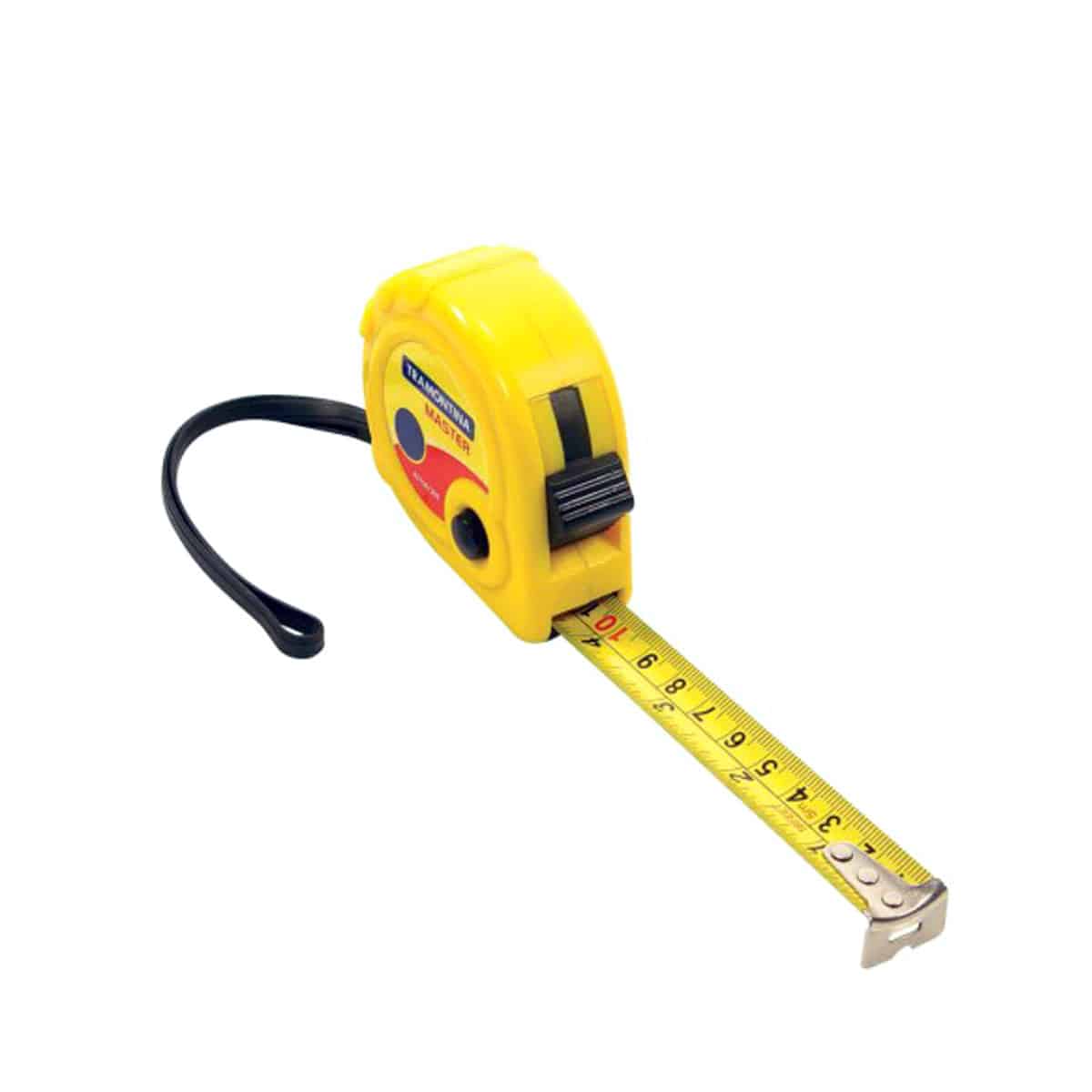
✨ Transforming Everyday Tasks with Measurement Technology
The ability to measure accurately using just your smartphone fundamentally changes how we interact with physical spaces. What once required planning, specific tools, and often multiple trips becomes instantaneous and effortless.
Shopping for furniture transforms from guesswork and hope into informed decision-making. Planning home projects becomes more accessible, empowering more people to tackle improvements they might have previously considered too complicated. Professional workflows accelerate, freeing time for higher-value activities.
This technology democratizes precision, making accurate measurement accessible to everyone regardless of technical background or access to specialized equipment. Whether you’re hanging artwork, planning a garden, organizing a garage, or managing complex construction projects, your smartphone delivers the measurement capabilities you need exactly when you need them.
As these applications continue evolving and smartphone hardware advances, the gap between professional-grade measurement tools and what fits in your pocket narrows steadily. We’re witnessing a genuine revolution in how humans interact with physical space—and it’s happening through the device already in your hand. 📲🎯

Toni Santos is a visionary artisan and conceptual designer who channels the beauty of living organisms into structural expression. At Zureste, Toni explores the intricate elegance of insect anatomy, organic flow, and bioinspired design to create art that feels both natural and otherworldly.
Each creation Toni brings to life reflects a harmonic tension between structure and softness, wildness and control — echoing the complex intelligence found in the natural world. From beetle-like silhouettes to root-shaped contours, his work blurs the lines between biology, sculpture, and modern art.
Guided by fascination for metamorphosis, evolution, and pattern in nature, Toni’s pieces embody transformation. His BioLight Collection and conceptual series like Insect Type and Structure Aesthetics offer viewers more than aesthetic value — they present immersive experiences of living design.
As the creative force behind Zureste, Toni invites us to rethink beauty, architecture, and identity through a new lens — one shaped by wings, bones, spirals, and the microscopic poetry of the organic.
His creations reflect:
-
Design deeply rooted in the geometry of life
-
Inspiration from insects, roots, and the unseen natural order
-
A blend of science, spirituality, and visual storytelling
Whether you’re a lover of strange beauty, an admirer of evolution’s artistry, or a creative mind seeking something different, Toni welcomes you into a world where living forms become meaning, and surreal becomes sublime.