
Anúncios
Meet Siri, Apple’s revolutionary voice assistant that transforms how you interact with your iPhone, making everyday tasks simpler with just your voice.


Since its introduction in 2011, Siri has evolved from a simple voice recognition tool into an intelligent companion that understands context, learns from your habits, and anticipates your needs. This virtual assistant isn’t just about convenience—it’s about creating a seamless, hands-free experience that integrates perfectly into your daily routine.
Anúncios
Whether you’re driving, cooking, working out, or simply relaxing on the couch, Siri stands ready to help. From setting reminders and sending messages to controlling your smart home and providing weather updates, this powerful assistant responds instantly to your voice commands. Let’s explore everything that makes Siri an indispensable part of the Apple ecosystem. 🍎
🎙️ What Makes Siri Such a Powerful Voice Assistant
Siri represents Apple’s commitment to making technology more accessible and intuitive. Unlike traditional interfaces that require tapping, swiping, and typing, Siri allows you to interact with your device using natural language—just as you would speak to another person.
Anúncios
The assistant uses advanced machine learning algorithms to process your requests, understand intent, and deliver accurate responses. With each interaction, Siri becomes smarter, adapting to your voice patterns, accent, and preferences. This continuous learning process ensures that the more you use Siri, the better it performs.
What truly distinguishes Siri is its deep integration with Apple’s ecosystem. It works seamlessly across iPhone, iPad, Apple Watch, Mac, HomePod, and even CarPlay. This cross-device functionality means you can start a task on one device and continue it on another without missing a beat.
Natural Language Processing at Its Finest
Siri’s ability to understand conversational language sets it apart from basic voice recognition systems. You don’t need to memorize specific commands or speak in a robotic manner. Instead, you can phrase your requests naturally, and Siri will interpret what you mean.
For example, you can say “Hey Siri, remind me to call Mom when I get home” or “What’s the weather like tomorrow?” The assistant understands the context, extracts the relevant information, and executes the appropriate action—all within seconds.
📱 How to Activate and Use Siri on Your iPhone
Getting started with Siri couldn’t be easier. Apple has designed multiple activation methods to suit different situations and preferences, ensuring the assistant is always accessible when you need it.
The most popular method is the hands-free “Hey Siri” activation. Once enabled in your settings, you simply say “Hey Siri” followed by your command, and the assistant springs into action. This feature is particularly useful when your hands are occupied or when your phone isn’t within reach.
Alternatively, you can press and hold the side button (on newer iPhones) or the home button (on older models) to activate Siri manually. This method provides more control and is ideal in noisy environments where voice activation might not work reliably.
Customizing Siri to Match Your Preferences
Siri offers extensive customization options that let you personalize the experience. You can choose from different voice accents and genders, adjust the voice feedback settings, and even select which apps can use Siri functionality.
To access these settings, navigate to Settings > Siri & Search on your iPhone. Here you’ll find options to enable “Listen for ‘Hey Siri’,” allow Siri when your device is locked, and manage app-specific Siri suggestions.

🚀 Everyday Tasks Made Effortless with Voice Commands
The true power of Siri reveals itself in daily use. This assistant handles countless tasks that would otherwise require multiple taps and navigation through various apps. Let’s explore some of the most practical applications.
Communication and Messaging
Siri excels at helping you stay connected without touching your phone. You can dictate and send text messages, make phone calls, initiate FaceTime conversations, and even read your messages aloud—all through voice commands.
Simply say “Hey Siri, text Sarah I’m running 10 minutes late” or “Call Dad on speaker.” Siri will compose the message, show you a preview, and send it after confirmation. This feature is invaluable when driving, cooking, or whenever your hands are busy. 📧
Setting Reminders and Alarms
Never forget important tasks again with Siri’s reminder and alarm functions. The assistant can create time-based reminders, location-based alerts, and recurring tasks with simple voice commands.
Try saying “Remind me to pick up groceries at 5 PM” or “Set an alarm for 7 AM tomorrow.” Siri will automatically create these entries in your Reminders and Clock apps, complete with notifications to ensure you don’t miss anything important.
Calendar Management
Managing your schedule becomes remarkably simple with Siri. You can create new events, check your appointments, reschedule meetings, and get an overview of your day—all without opening the Calendar app.
Commands like “Schedule a meeting with John on Friday at 2 PM” or “What’s on my calendar today?” allow you to stay organized and on top of your commitments effortlessly.
🏠 Smart Home Control Through Voice
If you’ve invested in HomeKit-compatible smart home devices, Siri becomes your central control hub. From lights and thermostats to locks and cameras, you can manage your entire home environment using nothing but your voice.
The convenience of saying “Hey Siri, turn off the living room lights” or “Set the thermostat to 72 degrees” cannot be overstated. This hands-free control is especially appreciated when you’re carrying groceries, getting ready for bed, or simply relaxing on the couch.
Siri also supports scenes and automations, allowing you to control multiple devices simultaneously. Create a “Good Morning” scene that opens the blinds, starts the coffee maker, and adjusts the temperature—all triggered by a single voice command. 🌅
🎵 Entertainment and Media Control
Music lovers particularly appreciate Siri’s deep integration with Apple Music and other audio services. The assistant can play specific songs, albums, artists, genres, or playlists based on your mood or activity.
Commands like “Play relaxing jazz” or “Skip to the next song” give you complete control over your listening experience. Siri can also identify songs playing around you with “What song is this?” using its built-in Shazam integration.
Beyond music, Siri controls podcasts, audiobooks, and even provides radio stations. You can adjust volume, pause playback, and search for specific content across your media library—all without interrupting your current activity.
🧭 Navigation and Travel Assistance
Siri serves as an excellent travel companion, providing directions, traffic updates, and local information whenever you need it. Integration with Apple Maps makes navigation seamless and safe, especially when driving.
Say “Give me directions to the nearest coffee shop” or “How long will it take to get to work?” and Siri will calculate the best route, estimate travel time, and consider current traffic conditions. The assistant can even send your ETA to contacts, keeping them informed of your arrival time.
When traveling, Siri helps with currency conversions, language translations, flight information, and finding nearby restaurants or attractions. This makes exploring new places less stressful and more enjoyable. ✈️
💡 Information and Knowledge at Your Fingertips
Think of Siri as your personal research assistant. The AI taps into multiple sources including web search, Wikipedia, Wolfram Alpha, and Apple’s own knowledge base to answer questions on virtually any topic.
Ask questions like “What’s the capital of Norway?” or “How many calories in an apple?” and receive instant, accurate answers. Siri can perform calculations, convert units, define words, and provide sports scores, stock prices, and weather forecasts.
The assistant also offers contextual information based on your location and time. It can find nearby restaurants, show movie showtimes, provide business hours, and even make reservations through integrated services.
📸 App Integration and Shortcuts
Siri’s capabilities extend far beyond Apple’s native apps. Third-party developers can integrate Siri functionality into their applications, allowing you to control various apps using voice commands.
For example, you can order food delivery, book rides, send messages on WhatsApp, or control your favorite productivity apps—all through Siri. This open integration creates endless possibilities and makes Siri truly versatile.
Creating Custom Shortcuts for Complex Tasks
The Shortcuts app takes Siri to the next level by allowing you to create custom voice commands that trigger complex, multi-step actions. These automations can combine actions from multiple apps into a single workflow.
Imagine creating a “Heading Home” shortcut that texts your family, starts navigation, adjusts your smart home temperature, and queues your favorite playlist—all activated by saying “Hey Siri, heading home.” The possibilities are limited only by your imagination. 🎯
🔒 Privacy and Security Considerations
Apple has built Siri with privacy as a fundamental principle. Unlike some competitors, Siri processes many requests directly on your device without sending data to Apple’s servers, thanks to on-device processing capabilities.
When information does need to be sent to Apple servers for processing, it’s associated with a random identifier rather than your Apple ID. This anonymization protects your identity while still allowing Siri to provide personalized responses.
You maintain full control over what Siri can access. You can disable Siri entirely, prevent it from working when your device is locked, and manage which apps have Siri integration permissions. Apple also doesn’t sell your data to third parties or use it for advertising purposes.
🌟 Tips for Getting the Most Out of Siri
To maximize your Siri experience, consider these practical tips that enhance functionality and make interactions more efficient.
- Speak naturally: You don’t need to use specific phrasing. Siri understands conversational language and context.
- Be specific: The more details you provide, the better Siri can fulfill your request. Instead of “Call John,” try “Call John Smith on his mobile.”
- Use follow-up questions: Siri maintains conversation context, so you can ask related questions without repeating information.
- Explore Siri Suggestions: Check your notification center for proactive Siri suggestions based on your routines and habits.
- Practice different commands: Experiment with various ways to phrase requests to discover what works best for you.
- Set up personal relationships: Tell Siri who your family members are so you can use natural commands like “Call my wife” or “Text my brother.”
- Use Type to Siri: In situations where voice isn’t practical, enable Type to Siri in Accessibility settings for silent text-based interactions.
🔮 The Future of Voice Assistance with Siri
Apple continues to invest heavily in Siri’s development, with each iOS update bringing new capabilities and improvements. Recent additions include enhanced language support, better contextual understanding, and more natural-sounding voices.
The integration of advanced machine learning models promises even more sophisticated interactions. Future versions of Siri will likely understand complex, multi-part requests, maintain longer conversation threads, and provide more personalized responses based on your behavior patterns.
As smart home adoption grows and more third-party apps integrate voice functionality, Siri’s utility will only increase. The assistant is evolving from a simple command executor to a truly intelligent companion that anticipates needs and proactively offers assistance.
🎯 Making Siri an Essential Part of Your Daily Routine
The key to getting maximum value from Siri is consistent use. Start by identifying repetitive tasks in your daily routine that could be simplified with voice commands. Whether it’s checking the weather each morning, setting cooking timers, or controlling music during workouts, find your use cases.
Gradually expand your Siri usage as you become more comfortable with voice interactions. Explore new commands, create custom shortcuts, and discover features you didn’t know existed. The learning curve is gentle, and the time savings accumulate quickly.
Many users find that once they embrace voice assistance, they wonder how they ever managed without it. The convenience of accessing information and controlling devices without interrupting your workflow becomes addictive in the best possible way.
🌈 Voice Commands That Transform Your iPhone Experience
Siri represents more than just technological innovation—it embodies a fundamental shift in how we interact with our devices. Voice assistance removes barriers between you and your technology, making smartphones more accessible and user-friendly for everyone, regardless of technical expertise.
The assistant’s ability to handle mundane tasks frees your attention for more important matters. Instead of fumbling with your phone while driving or cooking, you can stay focused on the task at hand while Siri handles the digital logistics in the background.
As artificial intelligence continues advancing, voice assistants like Siri will become even more central to our digital lives. They’ll serve as bridges between the physical and digital worlds, seamlessly connecting our intentions with actions across all our devices and services.
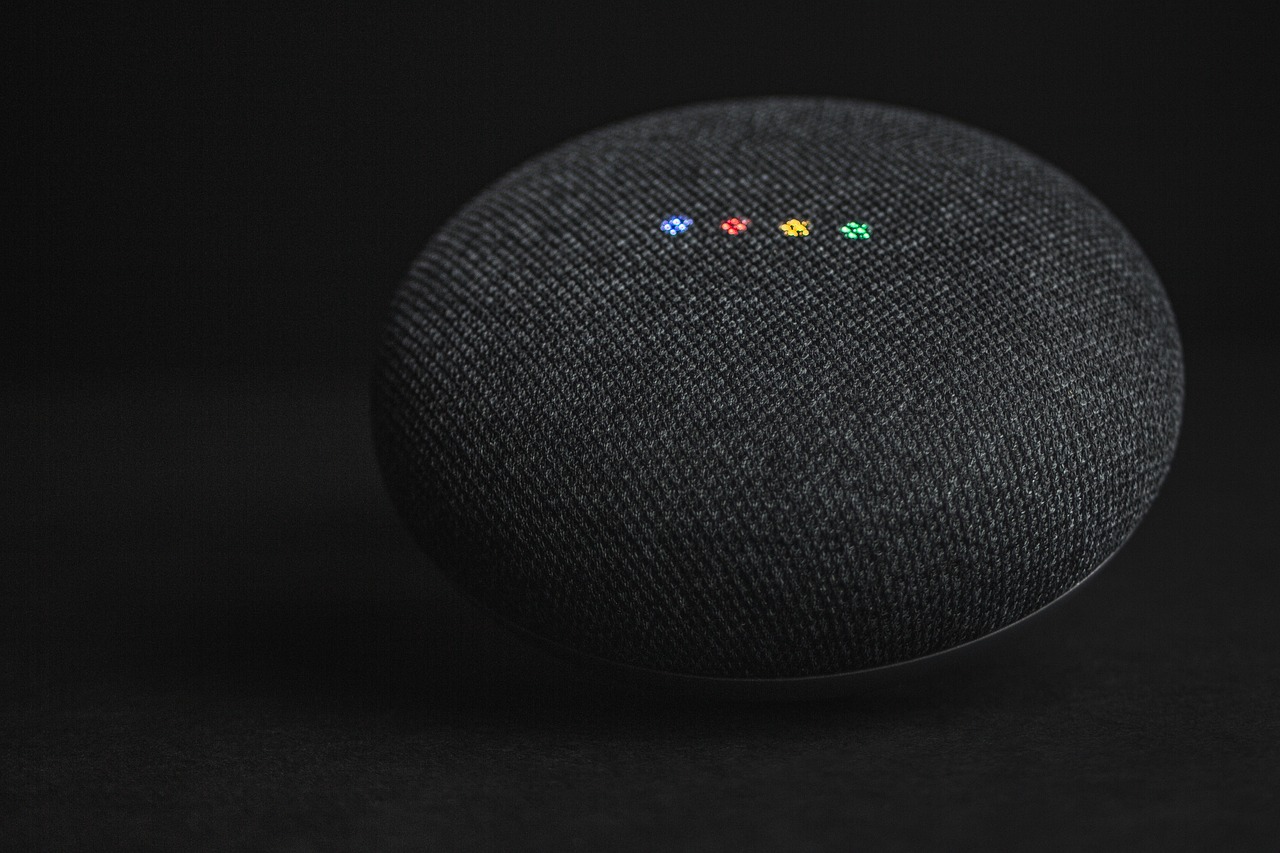
💬 Your Personal Assistant, Always Ready to Help
What makes Siri truly special is its availability. This assistant never sleeps, never gets tired, and never complains about being asked the same question multiple times. It’s there when you wake up, throughout your busy day, and when you’re winding down for the evening.
The hands-free nature of voice assistance proves particularly valuable in situations where manual interaction is impossible or unsafe. Parents with their hands full, people with disabilities, drivers on the road, and professionals in fast-paced environments all benefit tremendously from voice-activated functionality.
Siri democratizes technology, making advanced features accessible to everyone regardless of age or technical background. Grandparents can easily send messages to grandchildren, and tech novices can navigate complex tasks with simple voice commands. This inclusivity represents technology at its best—empowering rather than overwhelming. 💙
Whether you’re a longtime iPhone user or just discovering Siri’s capabilities, there’s always something new to learn and ways to optimize your experience. The assistant evolves with each update, gaining new skills and becoming more helpful with every interaction. Embrace the voice revolution, and let Siri handle the routine so you can focus on what truly matters in your life.

Toni Santos is a visionary artisan and conceptual designer who channels the beauty of living organisms into structural expression. At Zureste, Toni explores the intricate elegance of insect anatomy, organic flow, and bioinspired design to create art that feels both natural and otherworldly.
Each creation Toni brings to life reflects a harmonic tension between structure and softness, wildness and control — echoing the complex intelligence found in the natural world. From beetle-like silhouettes to root-shaped contours, his work blurs the lines between biology, sculpture, and modern art.
Guided by fascination for metamorphosis, evolution, and pattern in nature, Toni’s pieces embody transformation. His BioLight Collection and conceptual series like Insect Type and Structure Aesthetics offer viewers more than aesthetic value — they present immersive experiences of living design.
As the creative force behind Zureste, Toni invites us to rethink beauty, architecture, and identity through a new lens — one shaped by wings, bones, spirals, and the microscopic poetry of the organic.
His creations reflect:
-
Design deeply rooted in the geometry of life
-
Inspiration from insects, roots, and the unseen natural order
-
A blend of science, spirituality, and visual storytelling
Whether you’re a lover of strange beauty, an admirer of evolution’s artistry, or a creative mind seeking something different, Toni welcomes you into a world where living forms become meaning, and surreal becomes sublime.